How to send animated (moving) stickers in iMessage
Short answer
Open a chat in Messages, tap +, scroll down and tap Snippie, then tap a sticker to send it, or touch and hold it to stick it on a message. The stickers in that drawer are the ones you made from your own videos in the Snippie app, and they move in the chat.
- iPhone & iPad · iOS 17+
- iMessage & WhatsApp
- Made on your device
The built-in way, and what Snippie adds
iOS 17 and later can make animated Live Stickers from Live Photos: in Photos, touch and hold the subject of a Live Photo and tap Add Sticker. They appear in Messages under + → Stickers. That costs nothing and needs no app.
Snippie makes moving stickers from any video, not just Live Photos, lets you pick the exact moment, adds outlines and captions, and gives your stickers their own drawer in Messages.
Send a moving sticker in Messages, step by step
Make a sticker in Snippie
Pick a video or Live Photo, pause, press and hold the subject and tap Make Sticker. Every sticker you make is saved to My Stickers automatically and shows up in Snippie’s drawer in Messages.
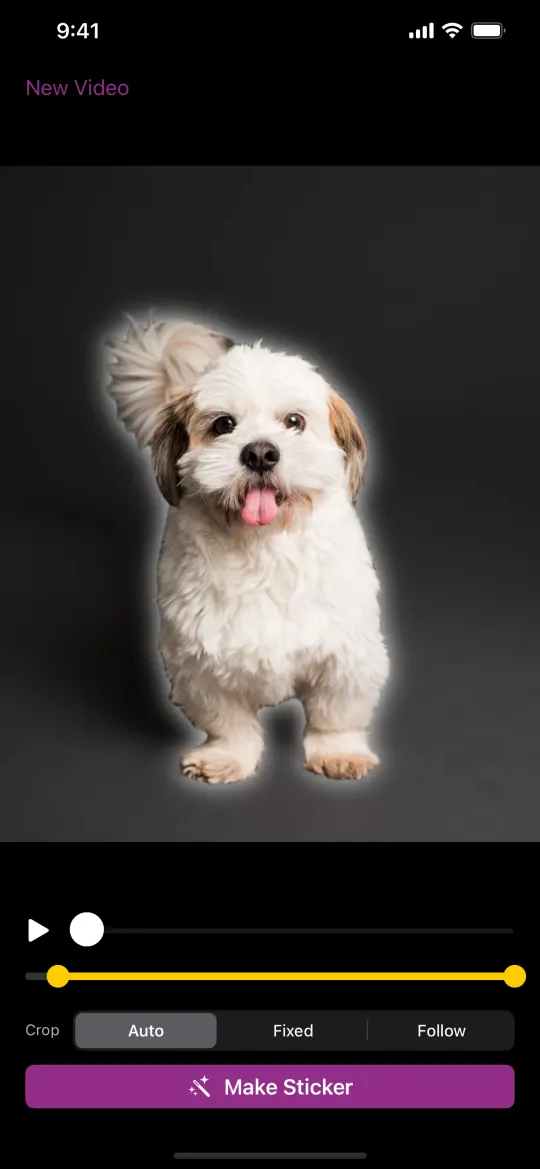
Open a chat and tap +
In Messages, open the conversation you want and tap the + button next to the text field.
Tap Snippie
Scroll down the list and tap Snippie. On older iOS versions it’s under More. The first tile, New Sticker, opens Snippie to make another.
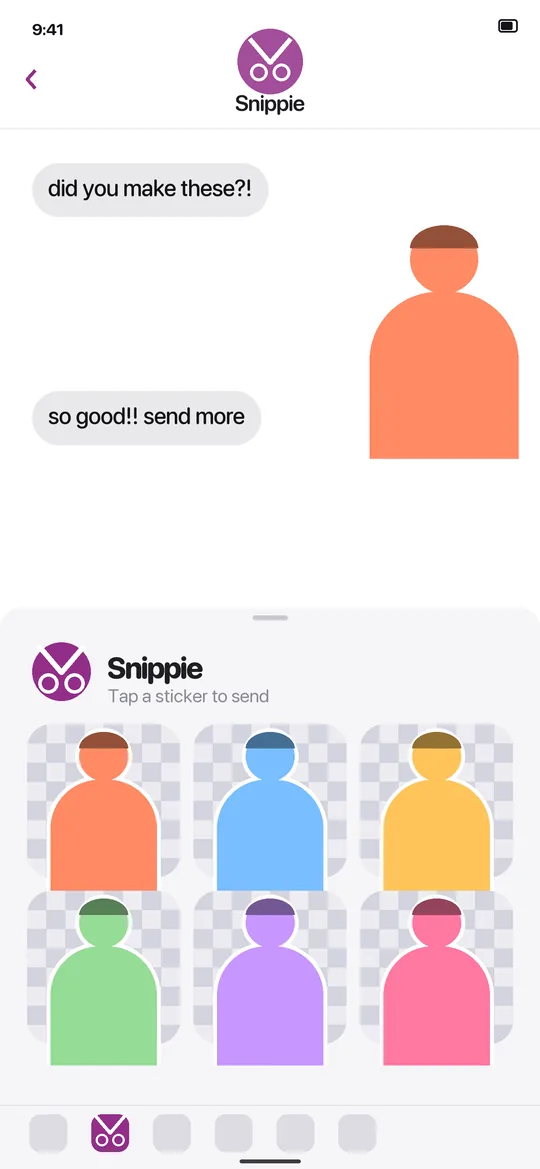
Tap a sticker to send it
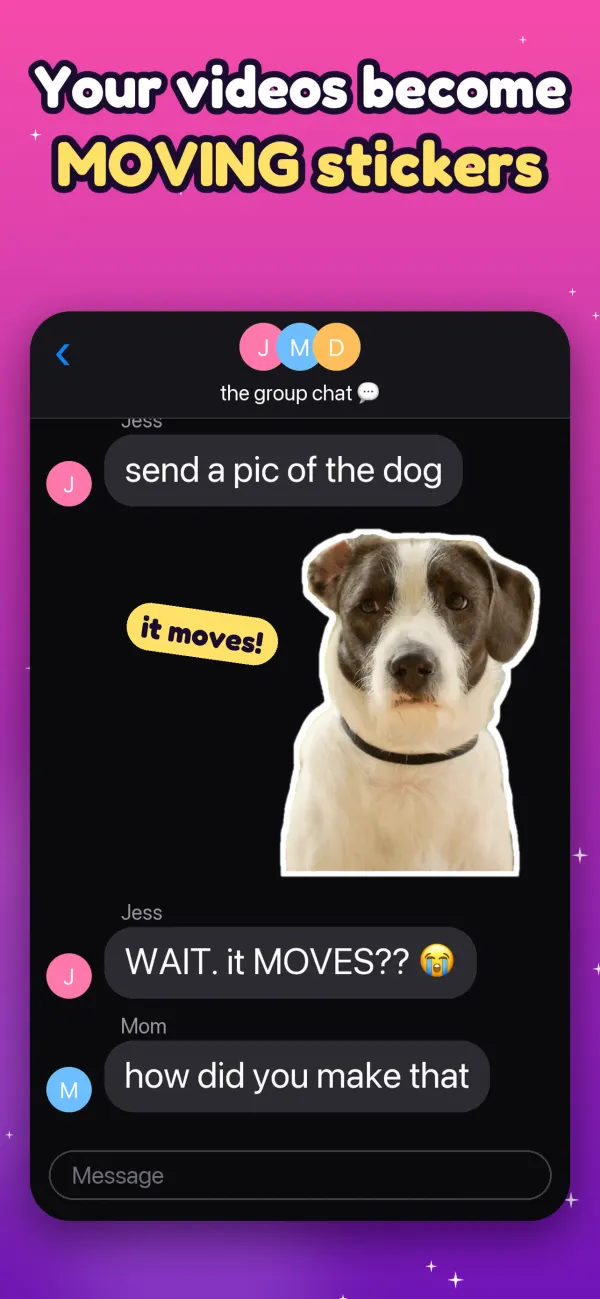
Tap a sticker to send it, or touch and hold it and drag it onto a message bubble to stick it there. It keeps moving in the chat.
Two other ways
- From Snippie: open the sticker, tap Share, then pick Messages and a chat.
- Copy and paste: tap Share, then Copy, and paste the sticker into any chat.
- With Pro, Save as Live Sticker saves your sticker to Photos as a Live Photo, so you can add it to Apple’s own sticker drawer in Photos (touch and hold the subject, then Add Sticker).
What’s included and what needs Pro
Snippie is free to download, and making, styling and sending stickers works without paying. Stickers made with the free version carry a small “Made with Snippie” watermark. Snippie Pro is a one-time in-app purchase, not a subscription: it removes the watermark and adds all backgrounds, speed control and Save as Live Sticker.
Questions
Why don’t I see Snippie when I tap +?
Scroll down the list of apps under +. On older iOS versions, Snippie is under More. It appears once Snippie is installed on the same iPhone or iPad.
Does the other person need Snippie?
No. The sticker arrives in the conversation like any other iMessage sticker.
Are Snippie stickers free to send?
Yes, sending works in the free version, but stickers made without Pro carry a small “Made with Snippie” watermark. Pro, a one-time purchase, removes it.
More Snippie guides

Make your first moving sticker
For iPhone and iPad. Free to download · optional one-time Pro.
Download on theApp StoreAll how-to guidesAbout SnippieSupportPrivacy policy© 2026 AW Labs