The sticker is the reply

I make a small iPhone app called Snippie. You pick a video, press and hold the person in it (or the dog, or your uncle), and Snippie cuts them out and loops them as a moving sticker you can send in iMessage or WhatsApp. That’s the whole trick.
When I built it, I pictured cute stuff. Pets. Babies. A nice sunset, maybe. Then I watched how people actually use it, and it turns out a moving sticker is mostly a weapon for winning group chats. Fair enough. Here are my favorite ways to use one.
1. Reply to the paragraph
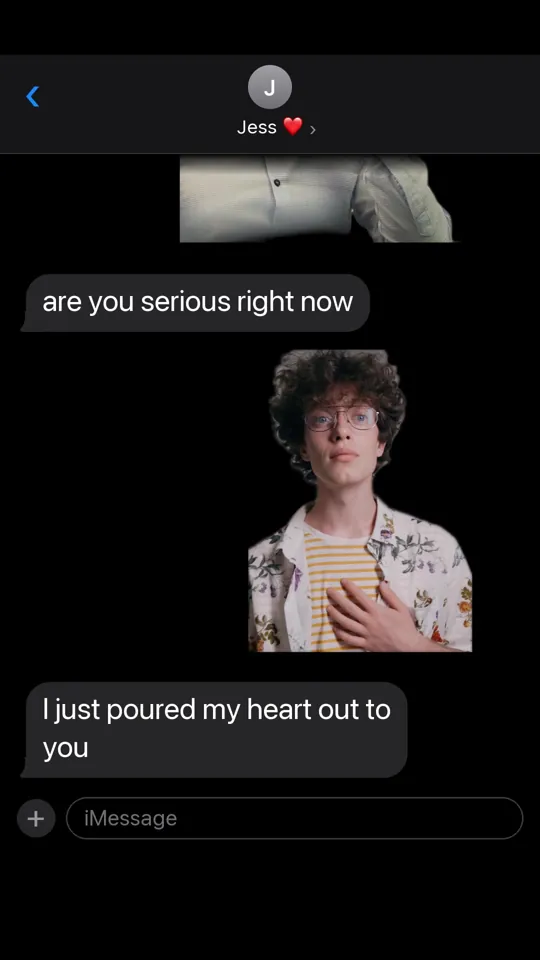
Someone sends you four hundred words about feelings. You could write four hundred words back. Or you could send a guy slowly putting his hand on his heart, looping forever.
This does not always go well. It is always funny.
2. Survive being left on read
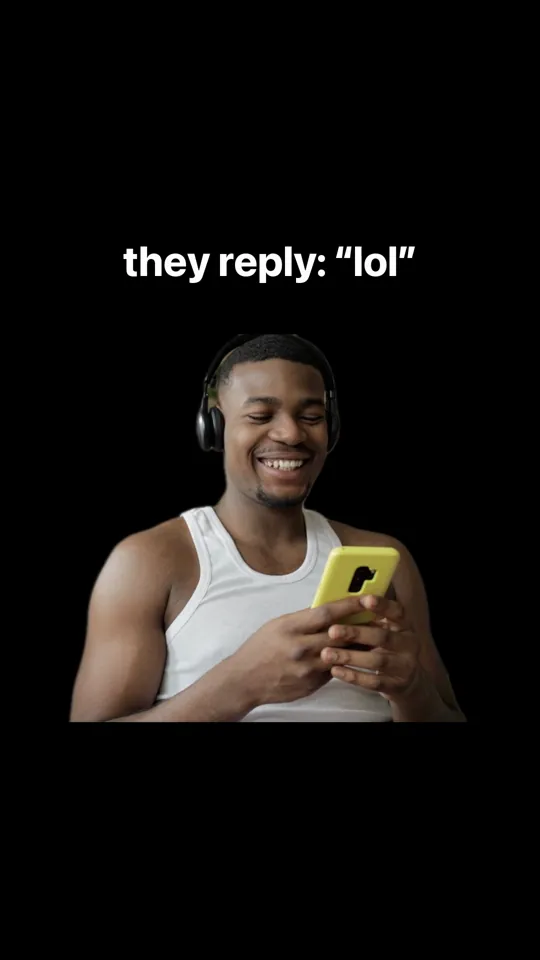
Sent. Delivered. Read 11:42 pm. Read two hours ago. Then, finally: “lol”.
Every stage of that deserves its own sticker, and now it can have one. Text can’t sigh dramatically. A sticker of you sighing dramatically can.
3. The family chat
The family chat is where moving stickers really shine, because parents take them completely seriously. My favorite pattern: Dad discovers stickers, and suddenly every reply is a sticker of Dad. Then Mom fights back with her own. Nobody is safe and nobody wants it to stop.


4. The verdict
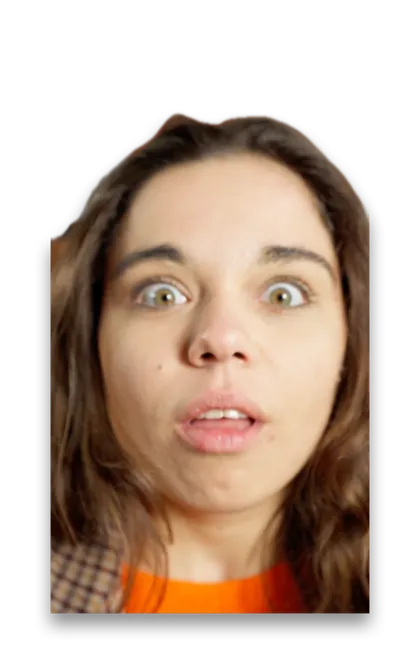
Group chat votes on where to eat. Someone suggests the place that gave everyone food poisoning in 2023. You don’t need words. You need a slow clap, or a guy crossing his arms in silent judgment, from a real clip of your actual friend.

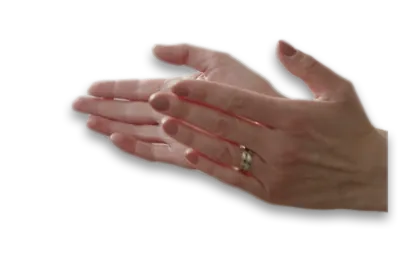
Small confession: the stickers on this page were made in Snippie from stock video clips, because none of my friends would sign the release form.
How you make one
- Open a video or Live Photo in Snippie and pause on a good frame.
- Press and hold the person you want. They lift out with a glow.
- Tap Make Sticker. Snippie follows them through the clip and loops it.
- Send it: in iMessage, tap + and pick Snippie. For WhatsApp, add 3 to 30 stickers as your own pack.
It runs on your phone, and your videos are never uploaded. Making and sending stickers is free; free stickers have a small “Made with Snippie” watermark. Snippie Pro removes it, once, no subscription. (I don’t like subscriptions for sticker apps either.) There are longer step-by-step guides if you want them.
Next up: AR mode
Here’s the part I’m most excited about. Snippie 1.5 is sitting in Apple’s review queue as I write this, and it takes your stickers off the screen and puts them in your actual room.
- Place in World. Open My Stickers, tap the AR button, then tap a table or the floor. Your sticker stands there, still moving, with its own shadow. Add up to six, walk around them, and take a photo or a video.
- Selfie mode. Flip to the front camera and wear a sticker on your head or your shoulder. Yes, you can put a tiny version of your dad on your shoulder like a parrot. Please do.
- Send as AR. Send a sticker your friend can stand in their room, straight from Messages. They don’t need Snippie: it opens in Apple’s built-in AR viewer. (It sends a still frame, not the loop. The 3D file format doesn’t do flipbooks. I tried.)
- Longer moments. For longer videos, pick 2× or 4× speed to fit up to 16 seconds into one sticker.
All of it is free. Launch-day idea, free to steal: make a sticker of your friend’s wedding dance and leave it standing in the middle of their living room. I’ll add real screenshots here as soon as 1.5 is out.
Quick facts
- What is Snippie?
- Snippie is an iPhone and iPad app (iOS 17 or later) that turns a video or Live Photo into a moving sticker. You pause on a frame, press and hold the person, pet or object, and tap Make Sticker. Snippie cuts it out of every frame and loops it.
- Where can I send Snippie stickers?
- In iMessage, from the + menu in any conversation, and in WhatsApp as your own sticker pack of 3 to 30 stickers. You can also share them as an animated PNG or GIF, copy and paste them, or save them to Photos.
- Is Snippie free?
- It is free to download, and making and sending stickers works without paying. Stickers from the free version carry a small “Made with Snippie” watermark. Snippie Pro is a one-time purchase, not a subscription: it removes the watermark and adds all backgrounds, speed control and Save as Live Sticker.
- Does AR mode cost extra?
- No. AR mode comes in Snippie 1.5 and is free for everyone. Version 1.5 was in Apple’s App Review when this post went up.
- Does my friend need Snippie to see an AR sticker?
- No. Send as AR sends a 3D file that opens right in Messages with Apple’s AR Quick Look, so your friend can stand the sticker in their own room without installing anything. It sends a still frame of the sticker, not the moving loop.
Try Snippie
iPhone & iPad · Free to download · optional one-time Pro
Made something unhinged with it? Send it to me at awlabsdev@gmail.com. I’d love to see it.
— Alvin